
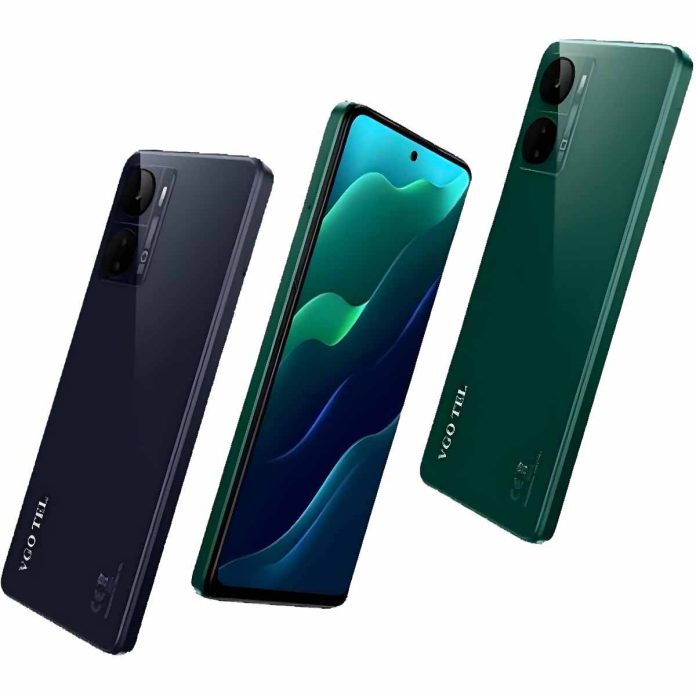

The VGO TEL Note 23 sometimes shows an auto-brightness calibration error, which affects how the screen adjusts to light. When this happens, the display may become too dim or too bright, making it difficult to use your phone comfortably. This issue usually appears due to software glitches, sensor misreading, or incorrect settings.
Why This Error Happens
Auto-brightness depends on the phone’s light sensor. If the sensor is blocked, dirty, or not reading correctly, the calibration fails. Sometimes the problem comes from a recent update, corrupted cache files, or third-party apps that interfere with brightness control. In rare cases, hardware issues such as a faulty light sensor also trigger this error.
How to Fix the Auto-Brightness Calibration Error
The first step is to clean the top front area of your phone where the sensor is placed. Dust or fingerprints can stop the sensor from reading light properly. After cleaning, restart the phone to refresh system processes. If the error still appears, you can reset display settings from the phone’s settings menu. This helps clear any incorrect configuration.
Another helpful method is clearing the system cache. Over time, old cache files can affect sensor performance. If you recently installed a new app that changes screen behavior, uninstalling it may restore brightness accuracy. Also, make sure battery saver mode has turned off because it sometimes limits auto-brightness.
Software Updates and Factory Reset
If the issue started after a software update, check for another update because the company might release a patch to fix the sensor problem. When nothing works, performing a factory reset can solve deep software conflicts, but always back up your data first.
When to Visit a Technician
If the sensor has damaged or not responding at all, the phone will keep showing calibration errors. In this case, only a hardware checkup at an authorized service center can fix the problem. A technician can test the sensor and replace it if needed.
Summary
The VGO TEL Note 23 auto-brightness calibration error has usually caused by software bugs, blocked sensors, or incorrect settings. Cleaning the sensor area, restarting the phone, resetting display settings, and installing updates often solve the issue. If the problem continues, a technician’s inspection is the best solution to restore correct brightness performance.